

If you enjoy flight sims, you know the struggle https://aviamasters2game.com/. Aviamasters 2 is a deep, absorbing game, but having the time to really immerse yourself in it can be tough. Maximizing from your playtime isn’t about speeding through; it’s about ensuring every minute matters for your skills and your satisfaction. Here are some practical tips I use to make my own sessions more purposeful and rewarding.
Balance Challenge with Fun and Set Hardware Profiles
Don’t let optimization kill the fun. I change the difficulty. If I’ve just botched a tricky instrument landing three times, my next session could be a stress-free visual flight along the coast.
Be mindful of your mood. Attempting to nail a carrier landing when you’re already tired is a quick route to annoyance. Sometimes, the finest use of your time is a flight that leaves you smiling and eager for more.
If you have a elaborate setup with multiple peripherals, store hardware profiles. Build one profile for your warbird with force feedback enabled, and a different one for your airliner with different sensitivity. Swapping planes becomes instant, not a 10-minute recalibration chore.
Concentrate on One Aircraft System at a Time
The systems in these planes are complex. Trying to learn the entire Airbus A320 in one go is a recipe for forgetting everything. I select one thing per session.
Possibly today I’ll only work with the Flight Management Computer. Tomorrow, I’ll run through hydraulic failure drills. I adhere to the in-game checklists to keep this learning structured.
This bite-sized approach stops your brain from frying. After a few weeks of these focused sessions, you’ll realize you’ve quietly learned the entire aircraft without the headache.
Leverage the Break Feature and Account for Disruptions
Situations arise. The doorbell rings, the kettle boils, the dog needs out. My rule is simple: I hit pause without a second thought.
Employing pause as a control tool preserves missions. It stops you from taking a frantic, bad decision because you’re being pulled away. I also build short breaks into longer sessions on purpose.
Getting up for a glass of water or to gaze out the window for five minutes resets your focus. You’ll return to the controls sharper and make fewer mistakes.
Enhance Your Actual and Electronic Environment
Your physical desk matters as much as the digital cockpit. If my chair is not comfortable or my joystick is hidden under papers, I get sidetracked and stop early.
I store my throttle, stick, and headset in the identical spot every time. I lower the main lights and use a lamp to avoid screen glare. Taking five minutes tidying up makes a one-hour session become smooth and undistracted.
On the PC side, exit your web browser and other apps. Allocate Aviamasters 2 all the RAM and CPU it can get. A stable, high frame rate is easier on on your eyes and lets you zero in on flying, not stutters.
Learn the Quick Start feature and Preset settings
Aviamasters 2 simulates everything, but you don’t always get twenty minutes for a full startup procedure. For quicker weekday sessions, I lean hard on the ’Quick Flight’ menu. The secret is to establish a few trusted presets ahead of time.
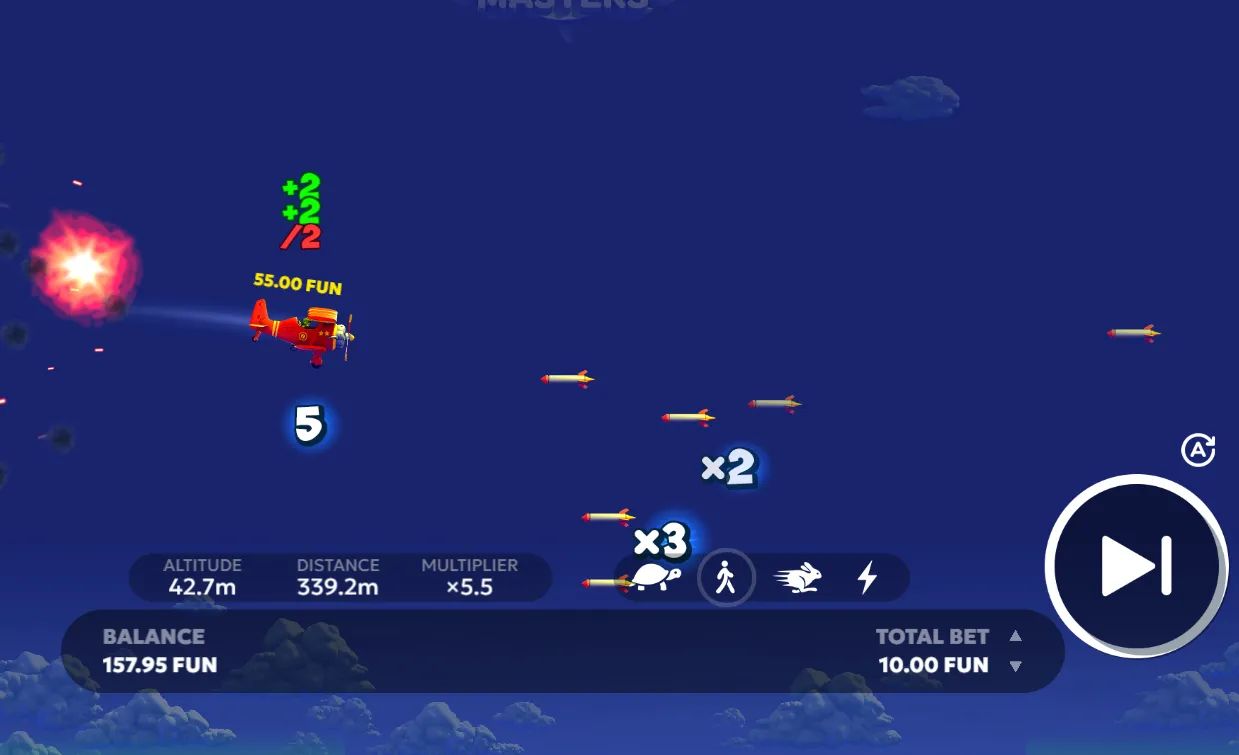
Set aside ten minutes in the hangar to record your favorite plane, airport, and weather as a preset. You’ll appreciate it later. With one click, you’re on the runway with engines running, prepared to practice your goal instead of tweaking fuel loads. Reserve the full cold and dark cockpit procedures for a lazy Saturday.

I have a few weather presets saved too—one for clear skies, one for drizzle, one for poor visibility. It cuts another chunk off the setup time and puts you into the air faster.
Leverage In-Game Time Compression Intelligently
Flying a cargo run across the continent in real time is a big ask. It is where the time acceleration feature is a godsend. I employ it to avoid the cruise portion of long flights.
It lets me to run through several delivery missions in a single evening, zeroing in on the interesting parts: planning, takeoff, and the approach. I always switch acceleration off before entering busy airspace or starting my landing pattern. Never employ it during takeoff or landing.
This one tool can convert a three-hour oceanic haul into a 30-minute session where you still handle all the important piloting tasks.
Establish Your Session Goals
I never just boot up and hope for the best. Having a specific goal turns a random flight into a mission with a goal. It stops you from staring at the menu screen and gives you something to actually complete.
- Skill Mastery:
- Progression:
- Exploration:
- Relaxation:
I jot down my goal on a sticky note. It sounds silly, but it is effective. That note helps me stay focused when I’m prone to just mess around. Knowing exactly what you want to do is the quickest route to accomplishing it.
Analyze Your Results After the Flight
I ensure to spend the last five minutes of a session on evaluation. The game’s flight log and debriefing screen are excellent for this. I examine my landing touchdown rate, see if I strayed off my flight path, and read any warnings.
This quick recap locks in what I gained and identifies what requires improvement. It provides the session a clear conclusion. I’ll write down one thing to concentrate on next time, like ”flare a bit earlier.”
That habit of reviewing is what turns random flying into real practice. You commence fixing errors instead of reproducing them.
Become part of an Online Squadron
Piloting with others adds structure. I signed up with a casual squadron that meets every Thursday night. Realizing the group counts on me guarantees I’m far more likely to set aside that time and attend.
- Group goals split the workload. Someone can plot the course, someone can handle comms, turning complex flights simpler.
- You gain tricks in minutes from more experienced pilots that would take you hours to learn alone.
- A scheduled event is protected time. It becomes a regular, high-quality segment in your calendar.
- Squadrons distribute optimal graphics settings, control profiles, and procedures, eliminating you endless tweaking.
It changes the hobby from something you do alone to a social event with built-in motivation and help.
FAQ
How much time should I spend on Aviamasters 2?
The ideal duration depends on your available time. A razor-sharp 30-minute practice on a particular skill surpasses a wandering four-hour flight. For consistent progress without mental drain, I find 45 to 90 minutes is optimal for most people.
Can I really progress if I only have one hour to play?
Yes, you can. Use a rapid template and choose one target. ”Today, I will successfully complete the VOR navigation tutorial,” or ”I will land the 747 at Heathrow without breaching the landing gear limit.” Compact, regular sessions develop muscle memory more quickly than infrequent, unfocused marathons.
What is the biggest time-waster to avoid in the game?
Repeating the same mission over and over without analyzing. Before you press ’restart,’ take a moment. Examine the log. Did you forget to lower the flaps? Did you misinterpret the altitude clearance? Two minutes of reflection can save you twenty minutes of annoyance. Additionally, don’t get caught up in tweaking graphics settings mid-flight.
Why does being in a squadron save time?
It offers you a schedule and a knowledge base. The mission is already planned, the aircraft are picked, and the time is set. You gain from others’ mistakes and shortcuts. That routine commitment also enables you protect that block of time from other plans, making it a routine part of your week.
Should I use all assists if my time is limited?
Employ assists to focus your practice. If your aim is to learn radio navigation, enable auto-throttle and flight stability so you can concentrate on the radios. If you’re practicing engine-out emergencies, switch everything else off. Tailor the assists to your objective for that day, and don’t worry about it.